Choosing the right printer for your business means considering both your current and future needs. While you might only require high-volume or color printing today, what about tomorrow?
Many businesses now need printers with advanced scanning to integrate paper documents into digital workflows. This has made multifunction printers (MFPs) essential office communication hubs, often including features like a free fax service.
However, true functionality goes beyond just printing or scanning. Without seamless integration, devices can hinder productivity, particularly during scanning. Automated workflows, initiated with a single button press, are now essential, not just a convenience.
Let’s explore the key features to consider when selecting the best printer for your office.
Multifunction vs. single-function
Single-function printers are a cost-effective choice if you only need basic printing. However, multifunction printers (MFPs) combine print, scan, copy, and optional fax capabilities, offering better value by reducing equipment, supply, and service costs.
Paper handling and capacity
High-volume environments benefit from printers with added paper trays or multiple drawers to minimize refilling time. For businesses with significant scanning needs, ensure the document feeder can handle high volumes efficiently.
Color vs. black-and-white
Color printing can make documents more impactful. If you’re unsure about bringing color printing in-house, compare the costs of outsourcing to a commercial printer. Many black-and-white MFPs still scan in color, so you can choose based on your specific needs.
Print quality
Text should be crisp, black-and-white images sharp, and color quality should meet your expectations. While you won’t get offset-press quality, most office printers handle business documents well.
Monthly print volume
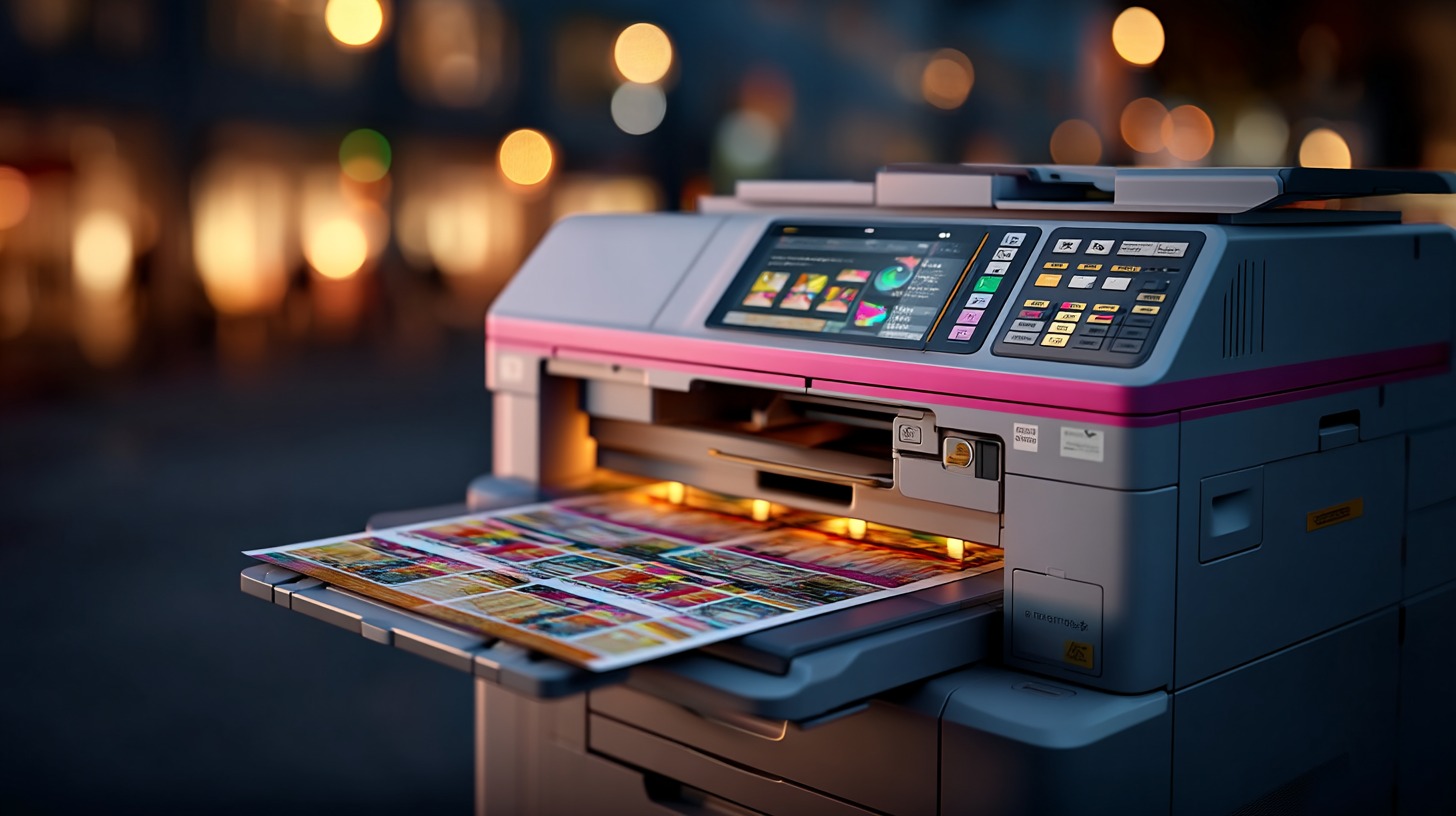
Printers are designed to handle specific monthly print volumes, also known as duty cycles. If you regularly exceed this volume, it could affect your printer’s performance. Choose a printer that matches your average usage.
Advanced workflow technologies in MFPs
The level of advanced technology varies by device, often determined by the operating system in the user interface. Consumer-grade all-in-one printers may include some advanced features, but business-grade MFPs are specifically designed to streamline operations.
Secure printing
Shared devices pose a risk of sensitive documents being picked up by the wrong person. Many MFPs offer secure printing features, like PIN codes or advanced print security applications, to protect printed data.
Workflow automation
Automated workflows save time by streamlining processes directly at the point of scanning. For instance, you can scan and copy a document simultaneously or route it automatically into a workflow. Some devices come with basic options pre-installed, while more advanced integrations are available through partnerships with software platforms.
Business application integration
Many printers integrate with business platforms like Laserfiche and DocuWare, enabling automated workflows and reducing manual steps. These tools bring platform functionality directly to the MFP touchscreen, helping businesses save time and resources.
How to choose a printer for your office
Here’s a quick summary of features to consider when selecting an office printer:
- Print quality: Ensure text and image quality meet your needs. Review samples if printing color or images is critical.
- Paper capacity: Choose printers with adequate paper storage to minimize downtime for refilling.
- Duplex printing: Most business printers offer two-sided printing, saving paper and reducing costs.
- Print speed: Select a printer with a speed that matches your average monthly volume, accounting for occasional spikes.
- Scanning speed: If scanning is important, look for devices with high-speed scanning and intelligent workflow automation.
- Connectivity: Wireless connectivity is standard, but determine if you need local print server management or cloud print infrastructure for multi-device environments.
By carefully evaluating your business needs and the features available, you can select a printer that supports your operations today and grows with you tomorrow.